On every screen your spa already owns.
The same account, the same board, on a wall tablet, a phone in a pocket, the desktop at reception, or a browser tab. Pick a screen and start; you do not have to decide the whole spa at once.
Free to download, on every platform. A screen only costs anything once it is on a paid plan, and the 30-day trial starts from two.
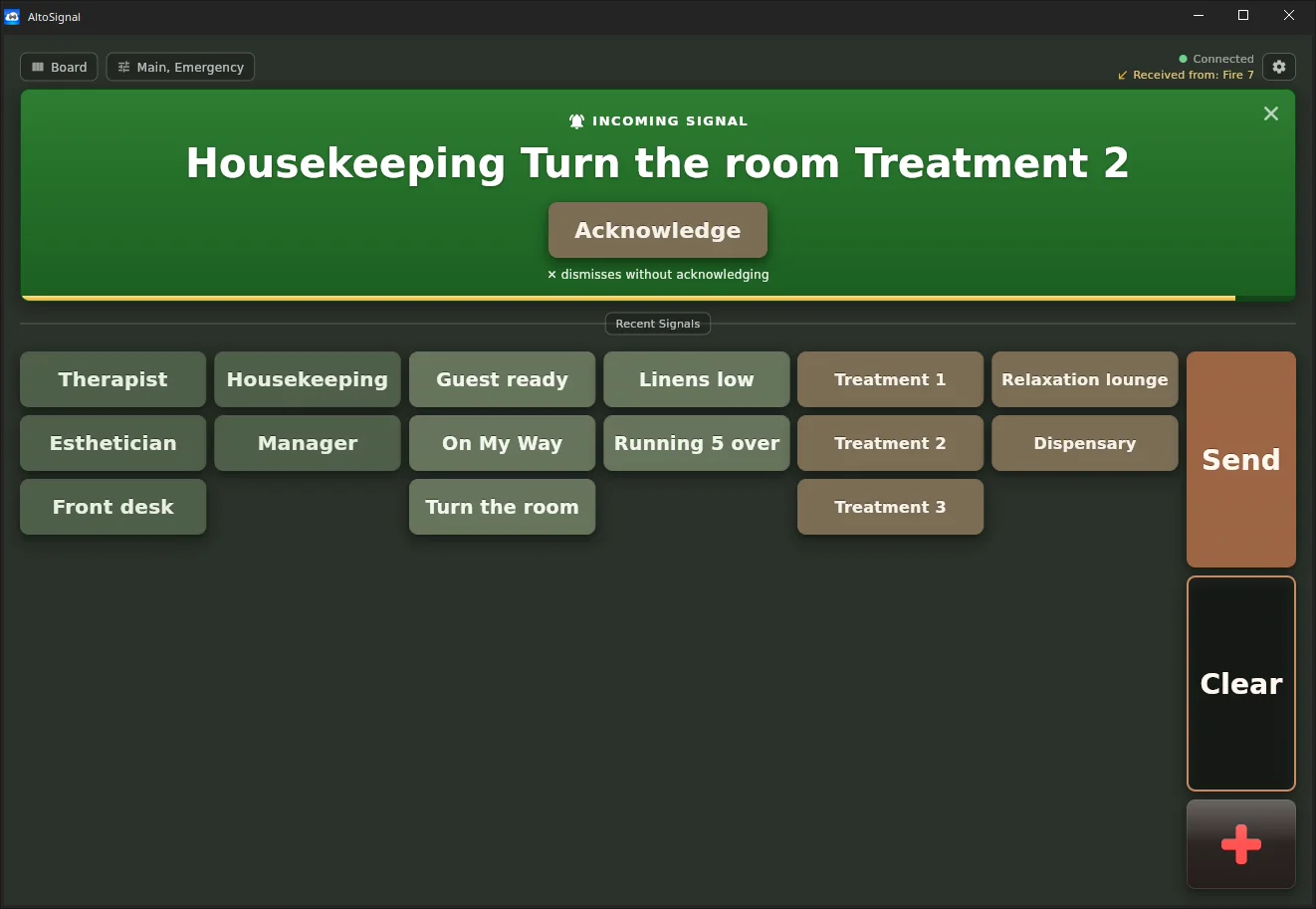
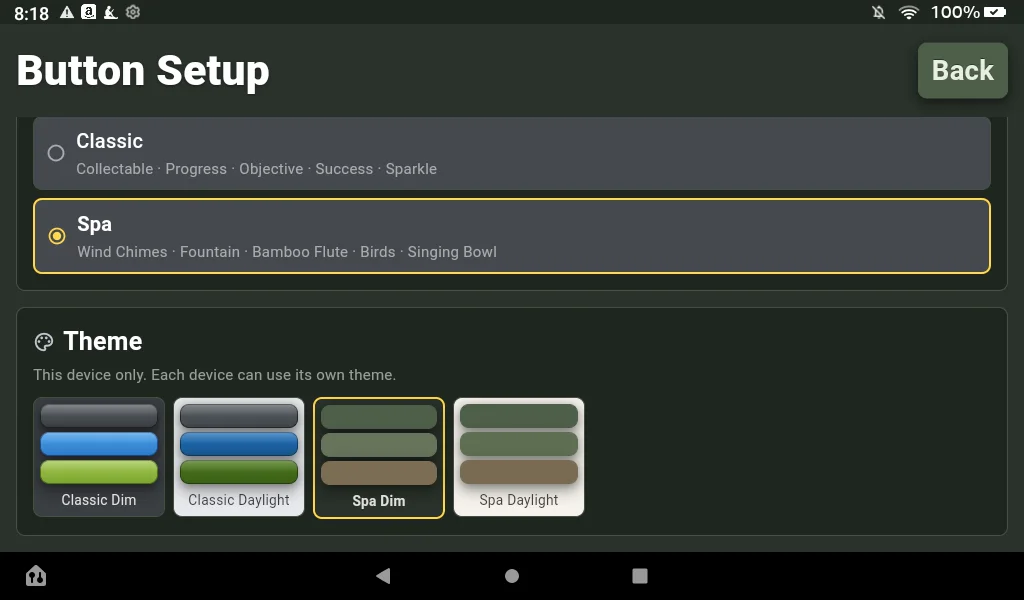
A theme for every room’s light.
Each screen picks its own theme, before you even sign in, the way it picks its own sound pack. Bright rooms get parchment; dim rooms get moss, so the screen never fights the lighting you worked so hard to get right.
The front desk can run Spa Daylight while the treatment rooms run Spa Dim, on one account. Choosing a Spa theme is also what tells the app it is running in a spa rather than a clinic, so the wording follows.
This is the app, not a picture of one.
Every screen below is a real capture from a real device, on one spa’s account, with the day-spa starter buttons of an earlier release. The set now ships in a real day spa’s own words: client ready, the tranquil area, the salt room.
On a desktop screen
Front desk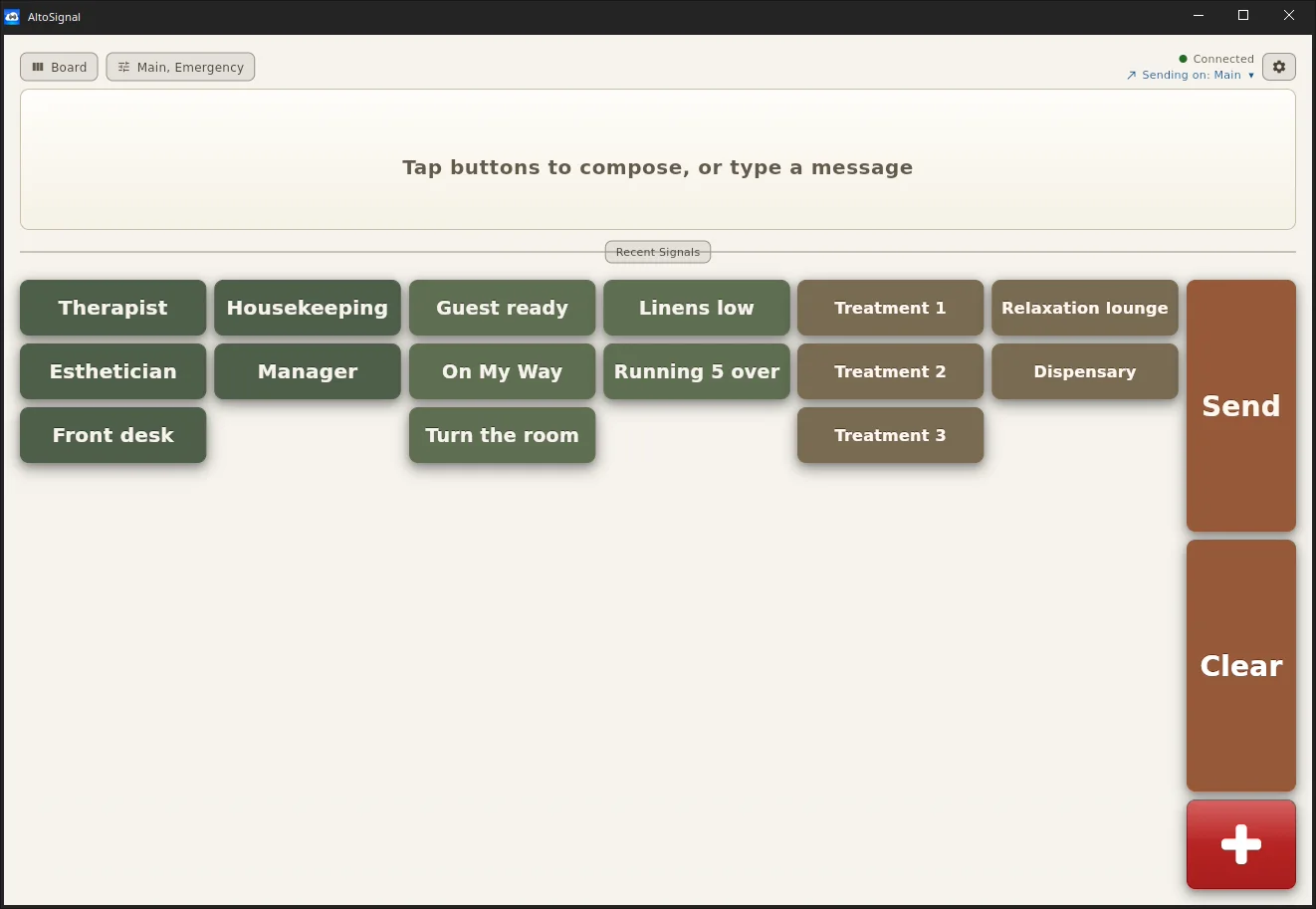
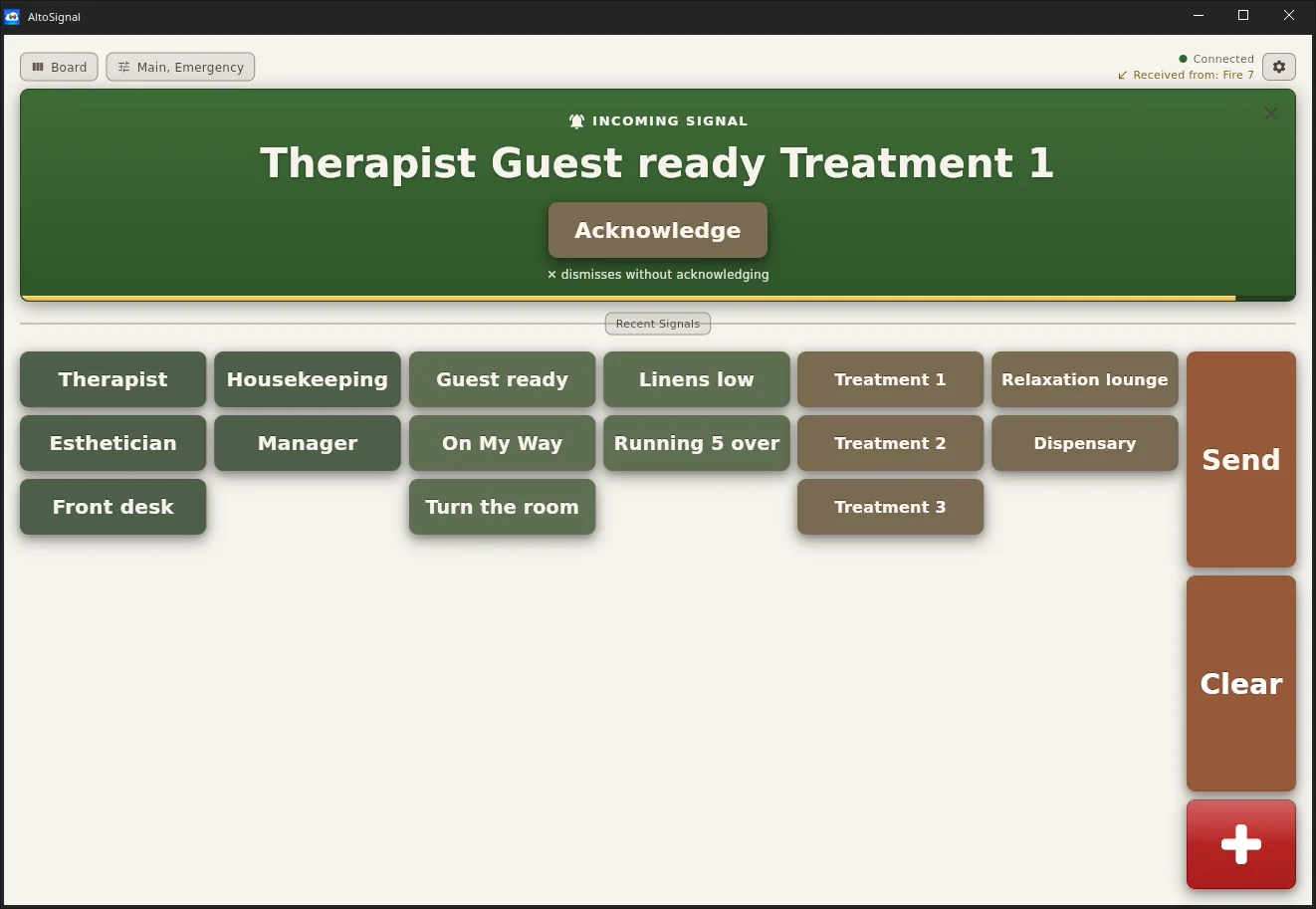
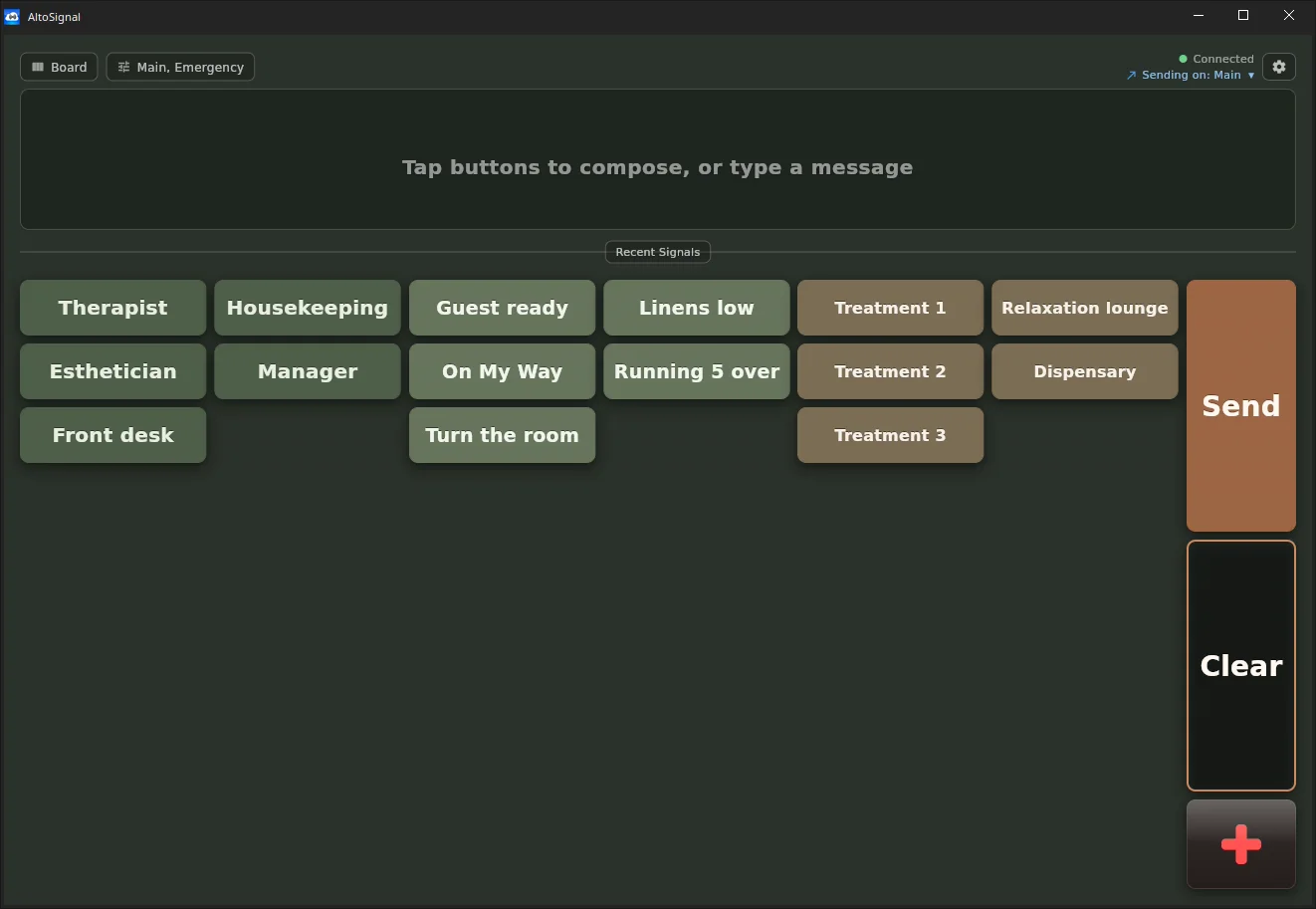
Runs as a Mac, Windows or Linux app, and in any browser at app.altosignal.com.
On a Fire 7 tablet
Treatment room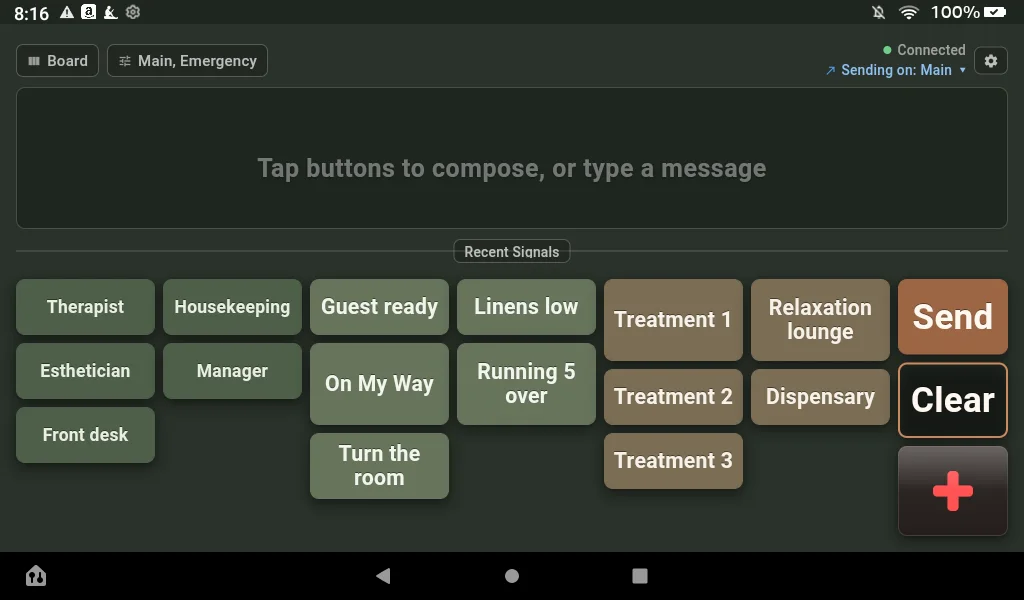
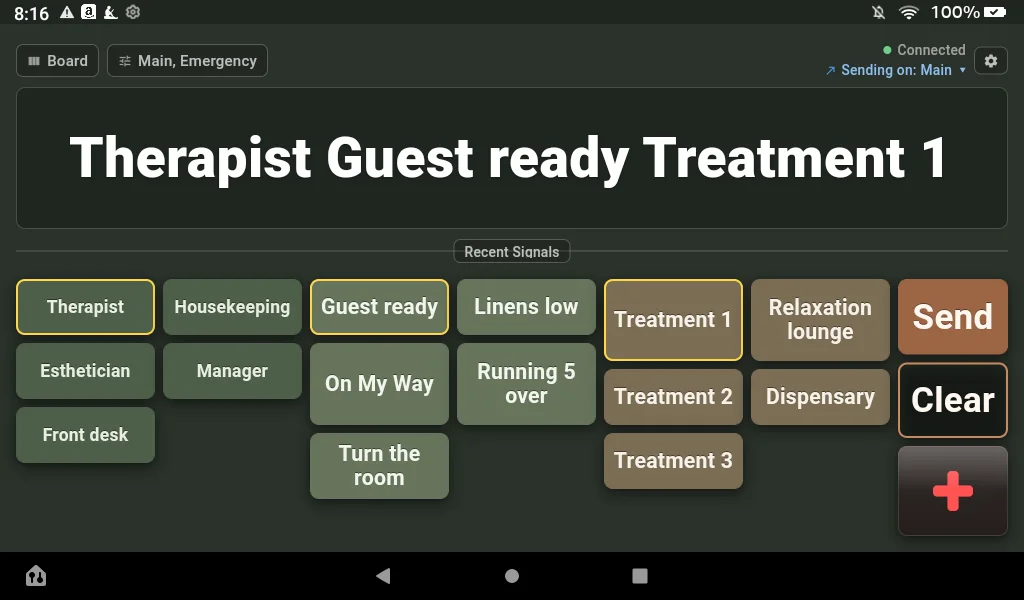
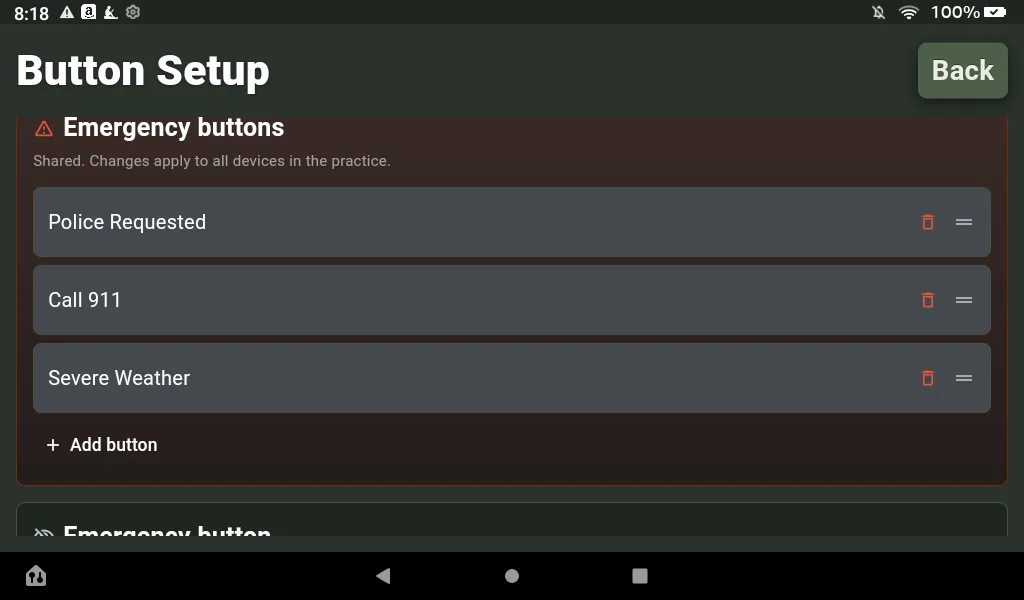
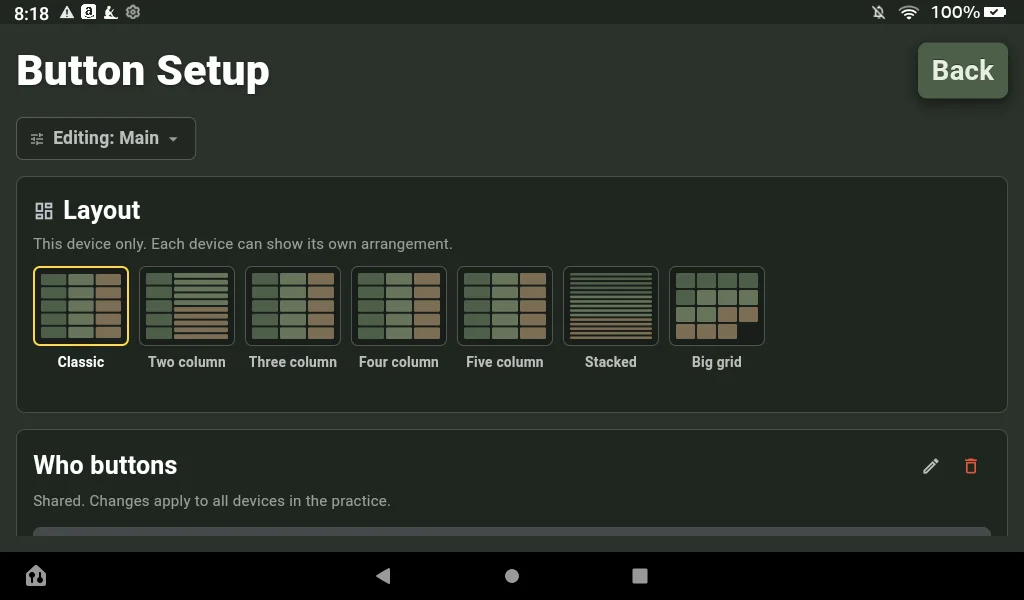
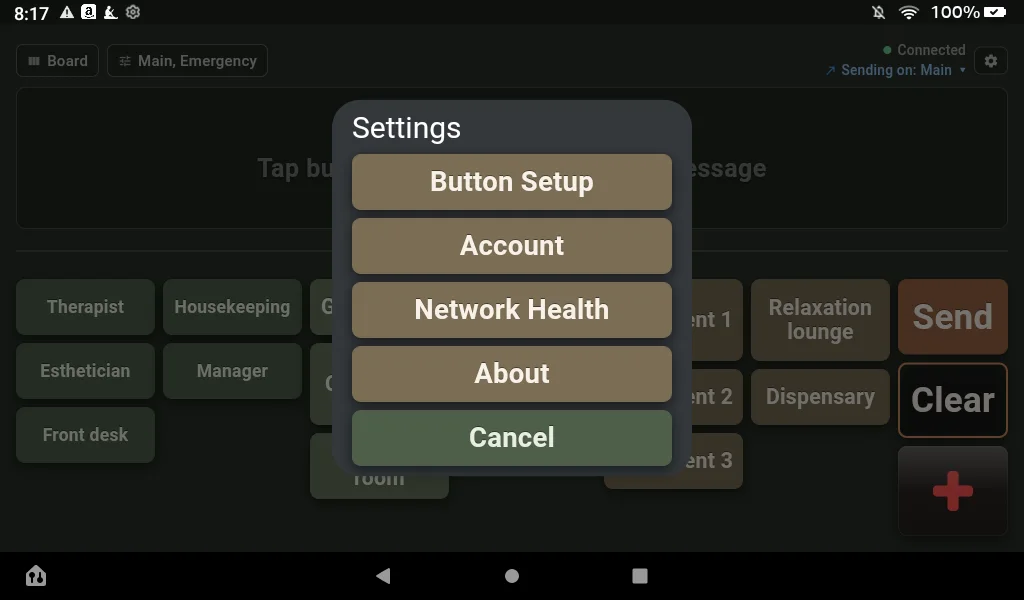
On the Amazon Appstore for Fire tablets, and on Google Play for Android phones and tablets. Which tablets to buy.
About the apps
Which app should the front desk run?
Whichever the screen already is. A front desk usually runs an iPad or a desktop; treatment rooms usually run a cheap wall tablet. There is no server and no main computer, so no screen is the important one and none of them has a different job.
Do we need the app, or is the browser enough?
The browser is enough to run your whole spa, and it is the fastest way to try AltoSignal on a screen you have not set up yet. Two things only the app does: desktop notifications, and local delivery, which keeps screens signaling each other if the internet drops.
Does it cost anything per platform?
No. The apps are free downloads and the plan is per device, whatever the device is. A Fire tablet on the wall and a Mac at the desk cost the same, and staff seats are unlimited.
Will these screens look like the pictures?
Yes, minus your own wording. Every capture here is a real screen on a real spa account, taken with the day-spa starter buttons of an earlier release; the set now speaks the words of a real day spa, client ready and the tranquil area. Rooms and roles are yours to rename, and each screen picks Spa Daylight or Spa Dim for itself.
Start on one screen this afternoon.
Thirty days free, no credit card, and the trial starts from two devices.